Thursday, 21 June 2012
Learning to use The Foundry's Mari
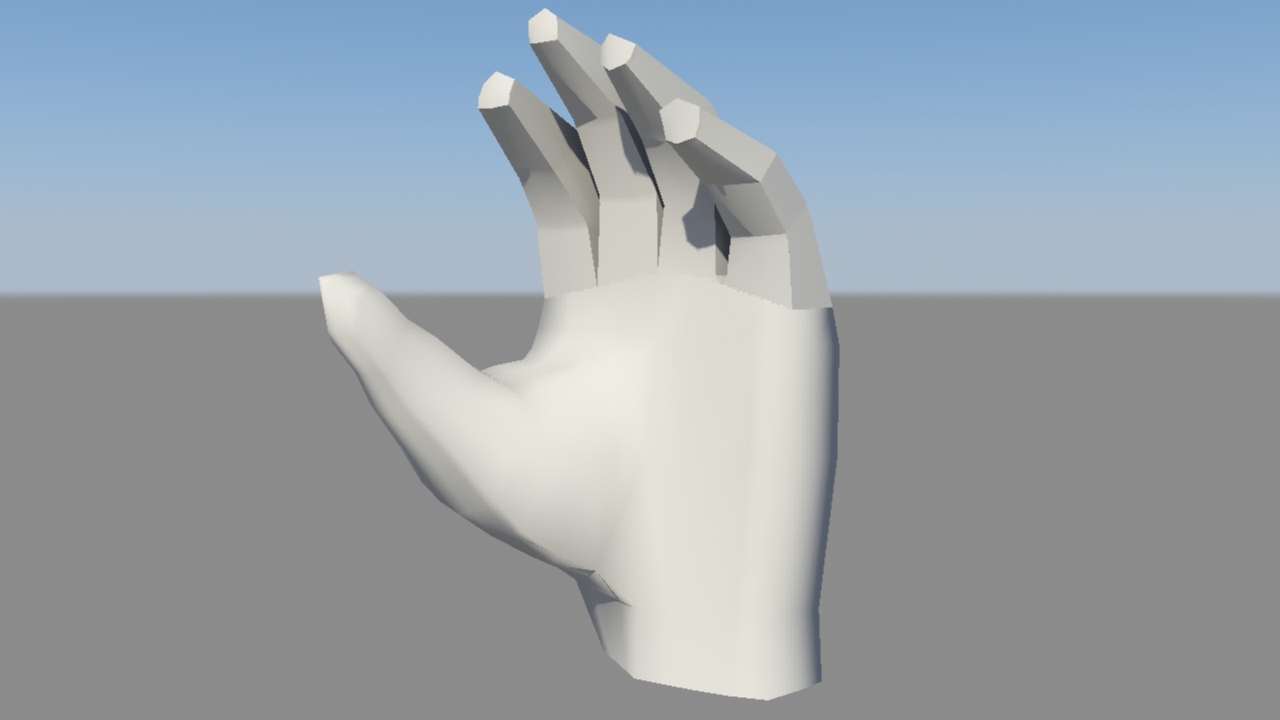
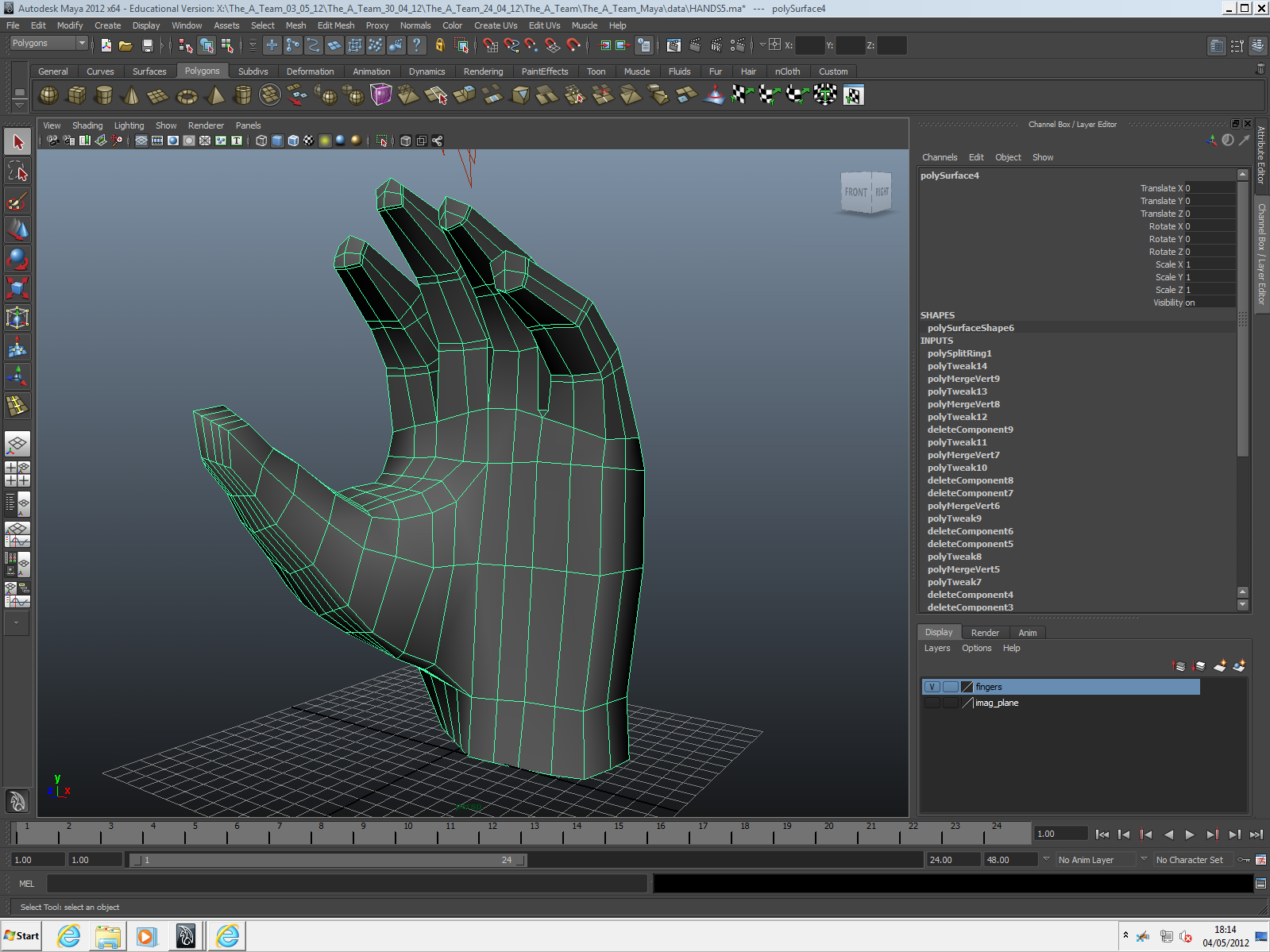
For my 3rd year project next year I was planning on using photorealistic textures on stylised models.
I am going to learn to use The Foundry's Mari. I like that is named after me im not going to lie. I think thats kind of why I want to use it. The catch is its only available for Windows and Linux whereas I have a Mac so over the summer I will have to get linux on mac or partition and install windows so i can use Mari.
The Foundry's Mari Resources:
http://www.thefoundry.co.uk/products/mari/training/
Digital Tutors Mari Tutorials:
http://www.digitaltutors.com/11/training.php?pid=33&autoplay=1
Friday, 8 June 2012
Red Or Dead: Compositing
(This is an ongoing post as I have lost some of the Nuke scripts.)
Roles:
Producer
Co- Editor
Co- Compositing (shot 7, 8, 9, 10, 13, 14 and 15)
nuke comp process screenshots
grading with teddy/ finding the look
rendering efficiently; layer, render layers, passes
efficiently in nuke
Compositing with Teddy:
Me and teddy worked on the compositing for this project solely in nuke. Nuke scripts were passed back and forth so organisations and file naming conventions were essential.
For the shot number mentioned above I did the green screen keying, (hold out mattes and garbage mattes where necessary) and trying to mach of the look of the live action footage with the matte painted backgrounds. The backgrounds for each shot were created by Elliot Crutchley and Megan Smith while Teddy decided on the final look by adding grain, camer shake and red/ purple grade to the final piece.
Nuke File Naming Conventions:
An older post on file naming conventions
do not use: colon, semi-colon, parenthesis, brackets, asterisks, ampersands, spaces, hyphen.
10 Ways to Composite More Efficiently in Nuke: (ongoing post)
1) Framebuffer
before you even reach nuke use frame buffer in maya to choose bit depth.
there is no point in rendering out color and specular highlight as full "RGBA 32bit floats" EXRs when "RGBA 16 bit tiffs" will do.
2) Composite while you render by creating a link between any 3D renderer and Nuke.
3)
nuke is a scanline based and prefers scanline based EXRs.
convert "tile based" EXR's from maya to a "zip scanline" EXR format or faster compositing.
use the color space node to change the EXR gamma encoding to
Tell Nuke to ignore empty areas of the file being read.
using a bounding box such as a curve tool node (set to autocrop) will save nuke render times.
Premultiply
before gamma, offset and color correction unpremultiply the render. After doing gamma, offset and color correction then premiltiply the image again to retune it to correct edges.
1) Use the Layer Contact Sheets node to see various passes at the same time.
This is waaaaay faster than using drop down menue.
2) Don't use EXR files for eveything.
EXR's are a "per pixel interwesved
If an EXR file is more than 20 layers deep Nuke will start to lag like crazy.
Soem passes can be tiff, jpegs as you will not always need the 32bit Floating point bells and whistles.
2) Test composites when you test renders to build Nuke Script templates.
By doing test comps you can build Nuke templates for everyone to work with and speed up compositing in the long run. Obviously tweaks will have to be made but
3) Build Gizmoz to stop repetition
4) If you can do it in 8 nodes do it in 4
Precomp
5) make all compositing notes from annotated screenshots
6) python expressions (avoid expressions when you can)
7) learn shortcuts (link to shortcuts)
8) fine naming convetions
Here are few links to some good resources online. Some of them will seem to go over what I have just
Nuke Shortcut keys
Efficiency In Nuke:
http://www.nukepedia.com/written-tutorials/10-tips-to-optimising-nuke-and-creating-efficient-workflows/
Other Useful Websites On Nuke:
http://www.nukepedia.com/
http://thoughtvfx.blogspot.co.uk/
http://satheeshnuketutorials.blogspot.in/
http://www.learningnuke.com/
http://franzbrandstaetter.com/?cat=4
Roles:
Producer
Co- Editor
Co- Compositing (shot 7, 8, 9, 10, 13, 14 and 15)
nuke comp process screenshots
grading with teddy/ finding the look
rendering efficiently; layer, render layers, passes
efficiently in nuke
Compositing with Teddy:
Me and teddy worked on the compositing for this project solely in nuke. Nuke scripts were passed back and forth so organisations and file naming conventions were essential.
For the shot number mentioned above I did the green screen keying, (hold out mattes and garbage mattes where necessary) and trying to mach of the look of the live action footage with the matte painted backgrounds. The backgrounds for each shot were created by Elliot Crutchley and Megan Smith while Teddy decided on the final look by adding grain, camer shake and red/ purple grade to the final piece.
![]() |
| I only did the Lighting, Rendering, Compositing. Model was by Teddy. |
| shot 7 |
| Shot 10 |
| shot 13 |
| shot 14 |
| Shot 15 |
Nuke File Naming Conventions:
An older post on file naming conventions
do not use: colon, semi-colon, parenthesis, brackets, asterisks, ampersands, spaces, hyphen.
only use: full stops (only one. But two maximum.), underscores.
Example:
‘lowercaseCapital_shot_number_Captital_Capital.externtions_###’
In Context:
redOrDead_shot__1__sequenceName.tiff_001
redOrDead_shot__1__sequenceName.tiff_002
redOrDead_shot__1__sequenceName.tiff_003
1) Framebuffer
before you even reach nuke use frame buffer in maya to choose bit depth.
there is no point in rendering out color and specular highlight as full "RGBA 32bit floats" EXRs when "RGBA 16 bit tiffs" will do.
2) Composite while you render by creating a link between any 3D renderer and Nuke.
3)
nuke is a scanline based and prefers scanline based EXRs.
convert "tile based" EXR's from maya to a "zip scanline" EXR format or faster compositing.
use the color space node to change the EXR gamma encoding to
Tell Nuke to ignore empty areas of the file being read.
using a bounding box such as a curve tool node (set to autocrop) will save nuke render times.
Premultiply
before gamma, offset and color correction unpremultiply the render. After doing gamma, offset and color correction then premiltiply the image again to retune it to correct edges.
1) Use the Layer Contact Sheets node to see various passes at the same time.
This is waaaaay faster than using drop down menue.
2) Don't use EXR files for eveything.
EXR's are a "per pixel interwesved
If an EXR file is more than 20 layers deep Nuke will start to lag like crazy.
Soem passes can be tiff, jpegs as you will not always need the 32bit Floating point bells and whistles.
2) Test composites when you test renders to build Nuke Script templates.
By doing test comps you can build Nuke templates for everyone to work with and speed up compositing in the long run. Obviously tweaks will have to be made but
3) Build Gizmoz to stop repetition
4) If you can do it in 8 nodes do it in 4
Precomp
5) make all compositing notes from annotated screenshots
6) python expressions (avoid expressions when you can)
7) learn shortcuts (link to shortcuts)
8) fine naming convetions
Here are few links to some good resources online. Some of them will seem to go over what I have just
Nuke Shortcut keys
Efficiency In Nuke:
http://www.nukepedia.com/written-tutorials/10-tips-to-optimising-nuke-and-creating-efficient-workflows/
Other Useful Websites On Nuke:
http://www.nukepedia.com/
http://thoughtvfx.blogspot.co.uk/
http://satheeshnuketutorials.blogspot.in/
http://www.learningnuke.com/
http://franzbrandstaetter.com/?cat=4
Friday, 4 May 2012
Sunday, 29 April 2012
Red Or Dead Pitch
On Thursday 27th April Katie Greenyer (Creative Director of ROD) and Fabiola Clement (Marketing Assistant of ROD) came to pitch Red Or Dead (ROD) to us and listen to the progress on our projects. We showed them the below slides and told them about the idea and what we had left to do. They were very impressed with our projects and we eager to see them finished.
Tuesday, 17 April 2012
Study China Easter 2012
So basically I applied for an internship but got something even better. You don't always get what you want. :p These are only a few photos, im not going to put them all up.
It was an amazing 17 days, massive culture shock. If you ever get the chance to go to China then you have to go. It was no where near enough time to get our head around the language but I am still practicing, I would love to work over there on graduation but if you dont know the language it is difficult to get around as no almost no one speaks english, they have no reason too.
A few good ted talks on the rise of china.
http://www.ted.com/talks/tags/china
They will be taking on people for the summer. If you want to go you can apply here:
http://servalan.humanities.manchester.ac.uk/studychina/

![]() |
| I know it looks like dirty water but in that little bowl is the best soup on the planet. FACT. |
Cinematography
Subscribe to:
Posts (Atom)